
Closing Shift Voice Chat: How to Talk and Stay Alive
Closing Shift voice chat lets animatronics hear and answer you. Learn when to speak, how to ask the Puppet for help, and what to do when your mic fails.
Jump to
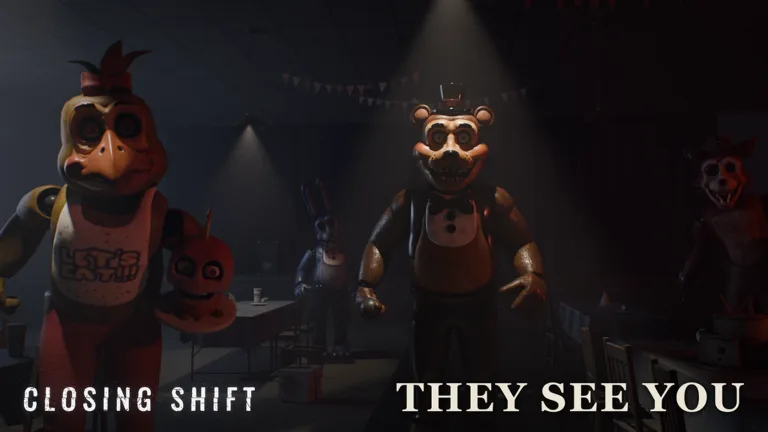
How Does Voice Chat Work in Closing Shift?
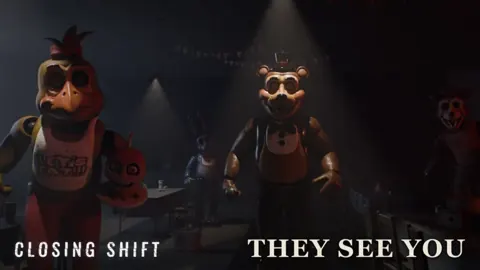
Your microphone can turn a hiding spot into a conversation you didn’t want. Closing Shift voice chat lets animatronics hear you and respond to what you say, so talking affects more than communication with friends. Speaking can draw attention, but the right response can also convince an animatronic to spare you.
In this Roblox horror game, volume and words both matter. A voice meter shows your microphone activity, and characters can answer questions, react to remarks, or give instructions during encounters. Watch that meter while speaking instead of assuming a quiet voice goes unnoticed.
Silence does not make you invisible. Freddy hunts through sight and sound, and movement can still attract attention. Muting your microphone won’t protect you from an animatronic that sees you enter a room.
Play Closing Shift on Roblox with headphones so you can follow spoken instructions and hear nearby threats.
Practice Talking With the Puppet
Start at the Puppet’s security desk. This is where you can ask for help before searching the restaurant, and you have three ways to communicate: speech, typed questions, or a selectable topic list.
 Image: Roblox / DoggyTroug
Keep spoken questions short and focused. Ask about the hatch, weapons, or your flashlight instead of stacking several questions together. If the Puppet asks you to repeat yourself, rephrase once, then use the list to get moving.
Use the conversation to understand your immediate objective:
- Go down the stairs and turn the wheel to open the hatch.
- Search the restaurant for four keys and the four-digit elevator code.
- Return to the terminal, enter the code, and call the elevator once the exit requirements are complete.
Finding the code alone does not finish the escape; the four keys matter too. Keep searching drawers, cabinets, and boxes instead of spending the whole round talking upstairs.
There’s also a badge for making use of that help:
- A LITTLE ADVICE — Ask the Puppet for a tip.
How to Talk to the Animatronics
The animatronics can respond to your words, but a response isn’t a promise of safety. Chica’s friendly restaurant chatter can lead into a dangerous kitchen encounter, and asking a pursuing character to stop does not necessarily end the chase.
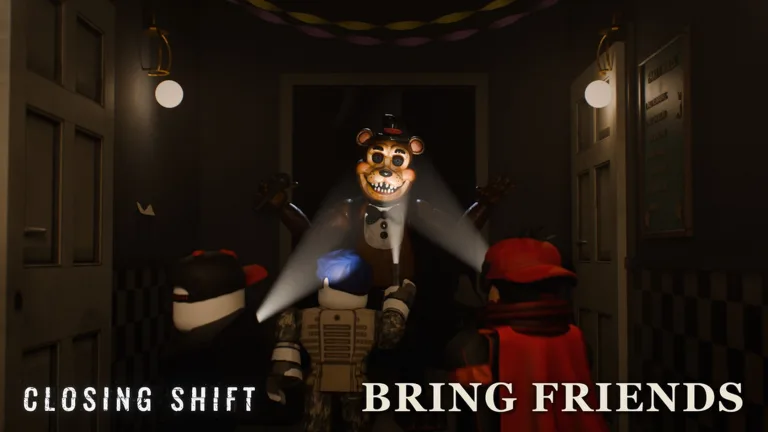 Image: Roblox / DoggyTroug
Listen for an invitation or instruction before answering. When an encounter gives you a chance to speak, respond clearly to what the character actually asks. Repeating a greeting while an animatronic is attacking wastes time you could spend escaping.
Keep these habits in mind:
- Stop talking over the character so you can hear the full instruction.
- Answer the current question instead of changing the subject.
- Follow any movement instruction that comes with the conversation.
- Avoid taunting enemies while your group is trying to hide.
Two badges make conversation especially relevant:
- SILVER TONGUE — Convince an animatronic to let you go.
- SPARED — Get caught on your last life, answer back, and go where the animatronic directs you.
For SPARED, talking is only part of the requirement. Pay attention to the destination you’re given and follow through.
When to Stop Speaking
The birthday party has a clear silence rule: stay in your seat and do not speak while the animatronics sing. Questions are invited earlier in the encounter, but that invitation ends when the singing starts.
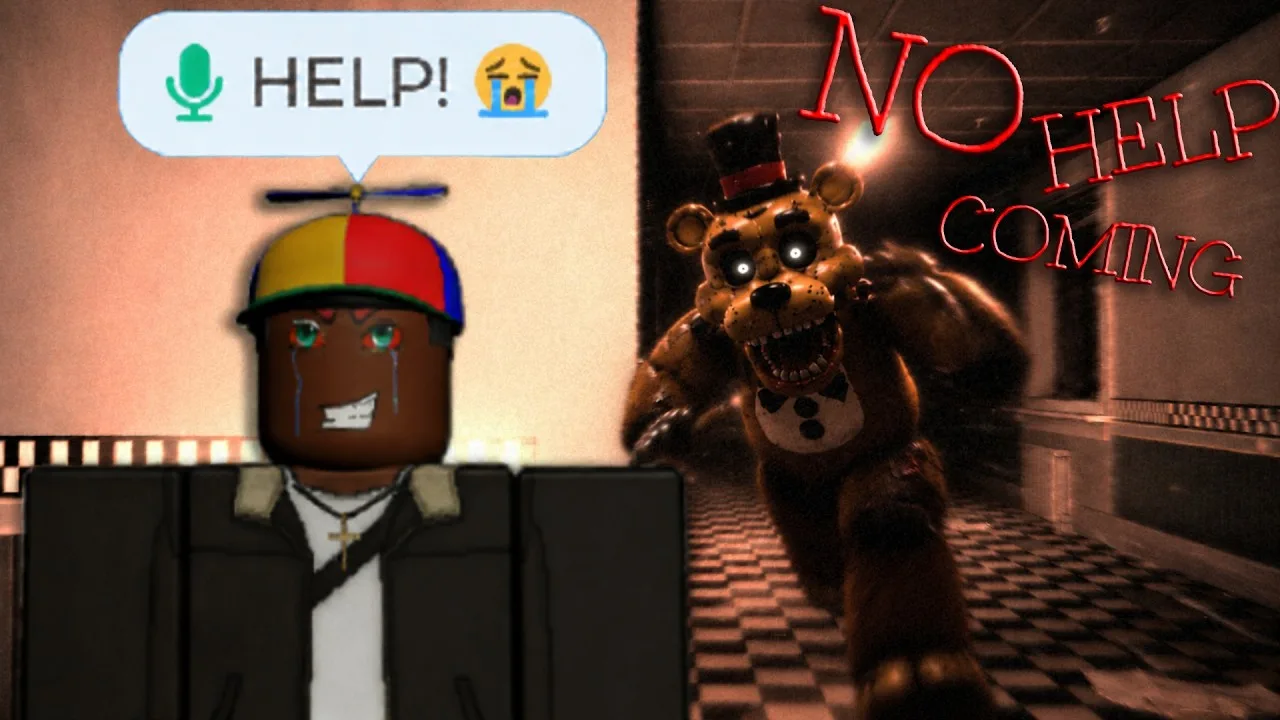
If you hear singing elsewhere, stay in the room. Don’t rush into the hallway to investigate.
These events have their own badges:
- DON'T LEAVE — Remain in the room during the birthday song and survive.
- PARTY GUEST — Survive the birthday party.
Outside scripted conversations, keep team callouts brief. Say which room you’re searching or where a threat is approaching, then listen. Repeatedly shouting for everyone to be quiet creates more microphone activity.
Keep using each enemy’s physical counter, too. Hold your flashlight on Foxy’s face when confronting him. Use closets, vents, and barricades to manage pursuit, while remembering that animatronics can break through barricaded doors.
What to Do When Your Microphone Isn’t Working
Separate a microphone problem from a misunderstood question. A muted microphone, a Roblox voice restriction, and the Puppet asking you to rephrase need different responses.
- Check the microphone control. On PC, press Escape to open the Roblox menu and inspect your voice controls.
- Check your device input. Make sure your intended microphone is selected and Roblox has permission to use it.
- Look at the voice meter. Watch for activity while speaking.
- Rephrase an unanswered question. Use a short gameplay topic when speaking with the Puppet.
- Read any moderation notice. Roblox can temporarily suspend voice access; follow the notice’s instructions and timing.
Keep your language within Roblox’s community standards. Voice restrictions can interrupt an encounter just when you need to answer.
If speech is unavailable, use the Puppet’s typed questions or topic list to get the instructions you need. Those options let you continue asking for help without waiting for the microphone to cooperate.
Continue with
 Closing Shift Walkthrough: Four Keys, Code, and EscapeUse this Closing Shift walkthrough to find four exit keys, collect the elevator code, survive the birthday party, and handle the animatronics on Roblox.
More in Guide

Closing Shift Beginner Guide: Keys, Codes & Survival
Use this Closing Shift beginner guide to find four keys, gather the elevator code, handle Foxy, survive the birthday party, and escape the restaurant.
Closing Shift Multiplayer: Friends, Voice, and Escape
Learn how Closing Shift multiplayer works, play with up to 10 friends, handle voice-sensitive animatronics, and coordinate your escape from the restaurant.
Continue exploring
Join the community
Official channels for news, updates and player help: